

Lesson 10 of 19 · Learn · 10 min
2.4 Google, the links page and Website visits
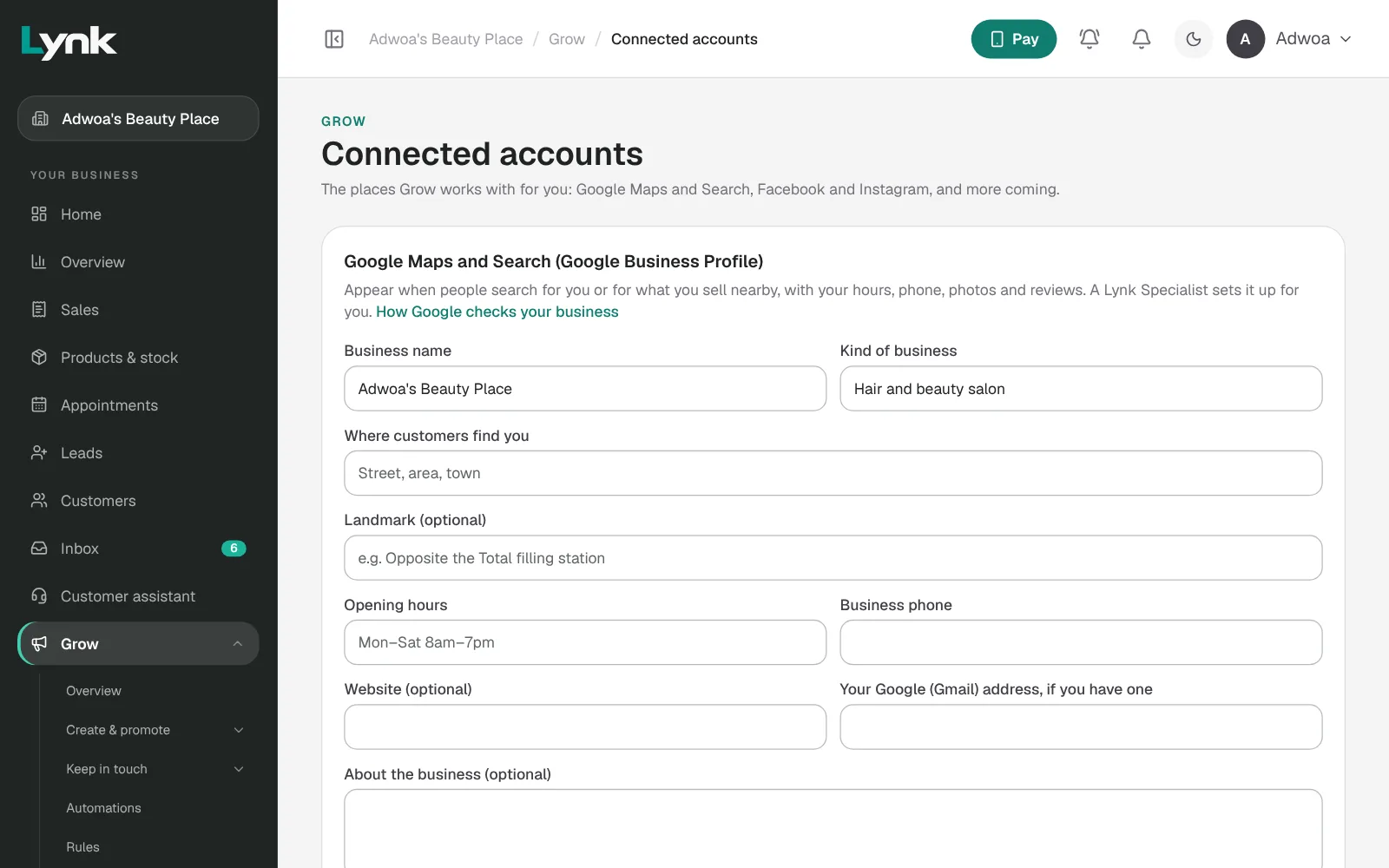
Google Maps and Search. In Grow → Connected accounts, under Google Business Profile, check what Lynk filled in: name, kind of business, Where customers find you with a landmark, hours, phone, website, and the owner's Gmail so the profile stays theirs. Click Ask a Specialist to set it up. Google then checks the business is real, usually by a short video or a code. That part is the owner's: read How Google checks your business with them.
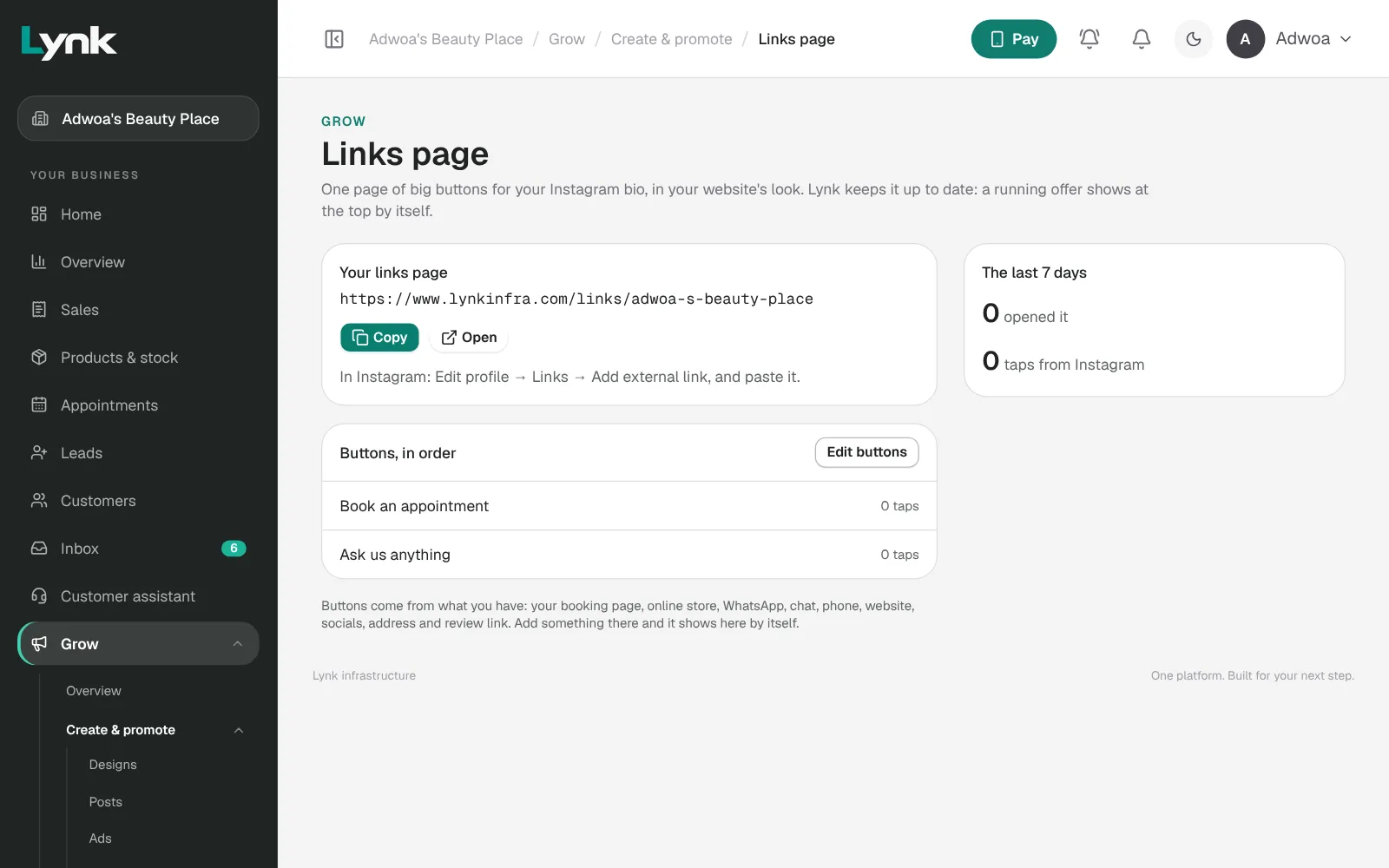
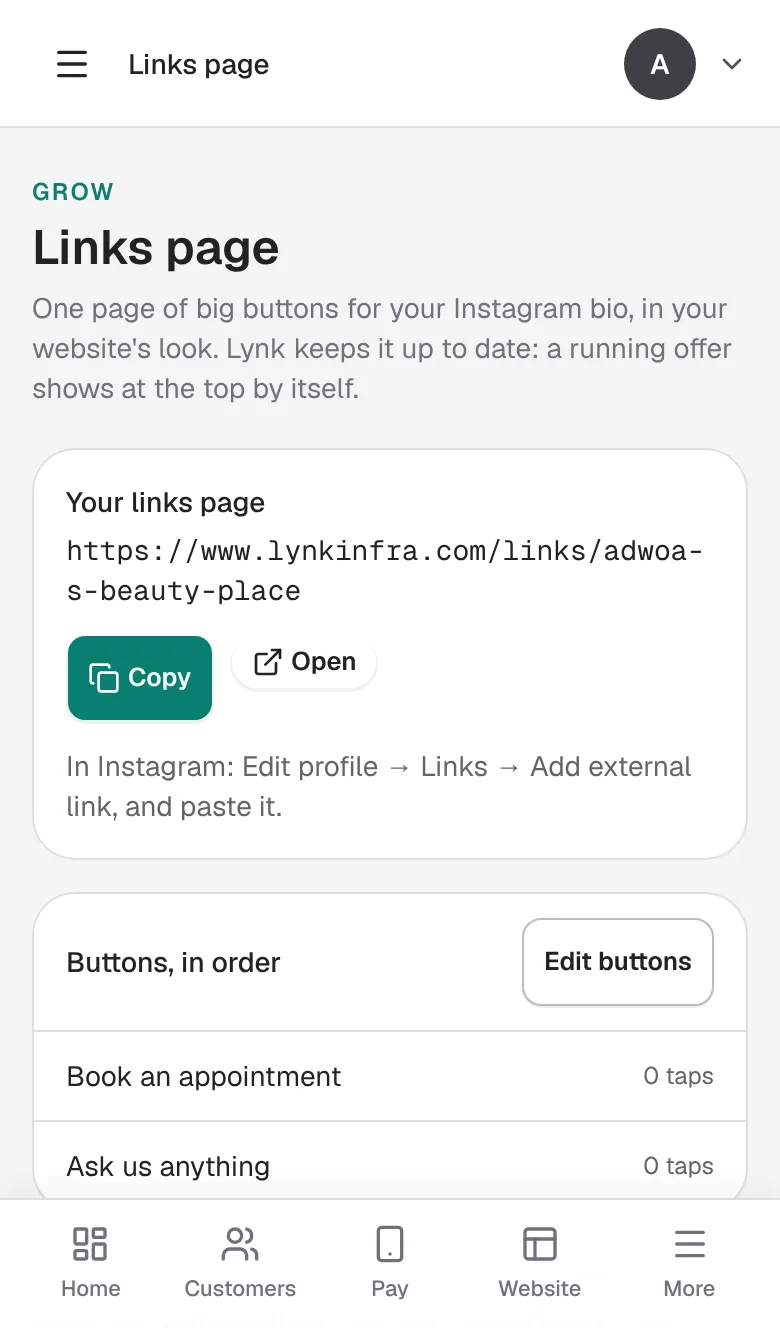
Links page (Grow → Links page): one page of buttons for an Instagram or TikTok bio: book, shop, WhatsApp, the chat, call. Edit buttons to reorder or hide them, or Add a link. It shows how many opened it and the taps from Instagram. Lynk's team switches it on for a business: ask through Lynk AI.
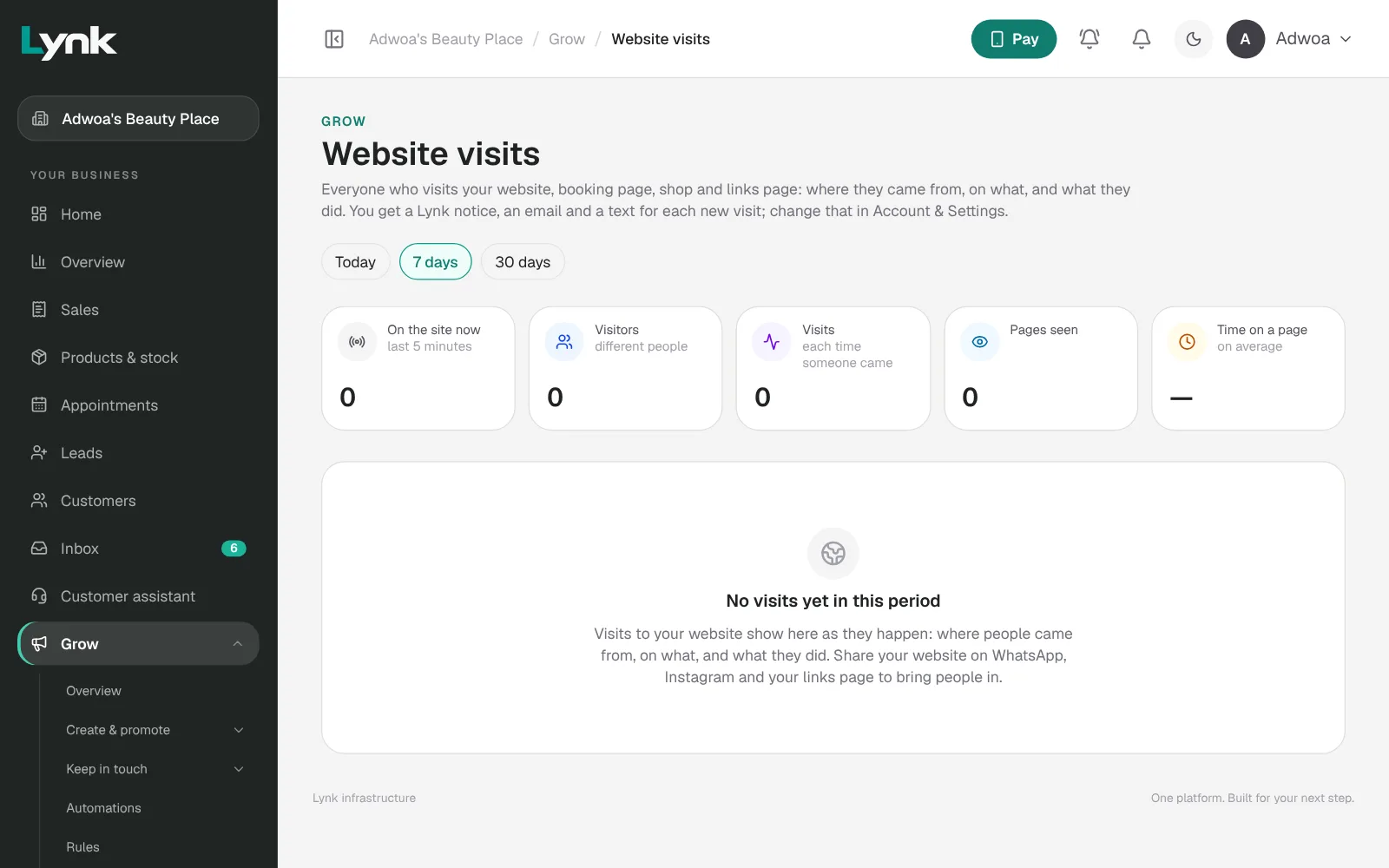
Website visits (Grow → Website visits) counts visits to the website, booking page, shop and links page: Where they came from, what visitors did, and Most seen pages. Send the owner three lines a month: visitors, where most came from, how many got in touch, and one suggestion.
On the owner's phone: open Lynk and click Put on my phone to add the website to their home screen.
Sign in to save your progress and earn the certificate.