

Lesson 16 of 19 · Learn · 10 min
3.4 Products, the online shop and orders
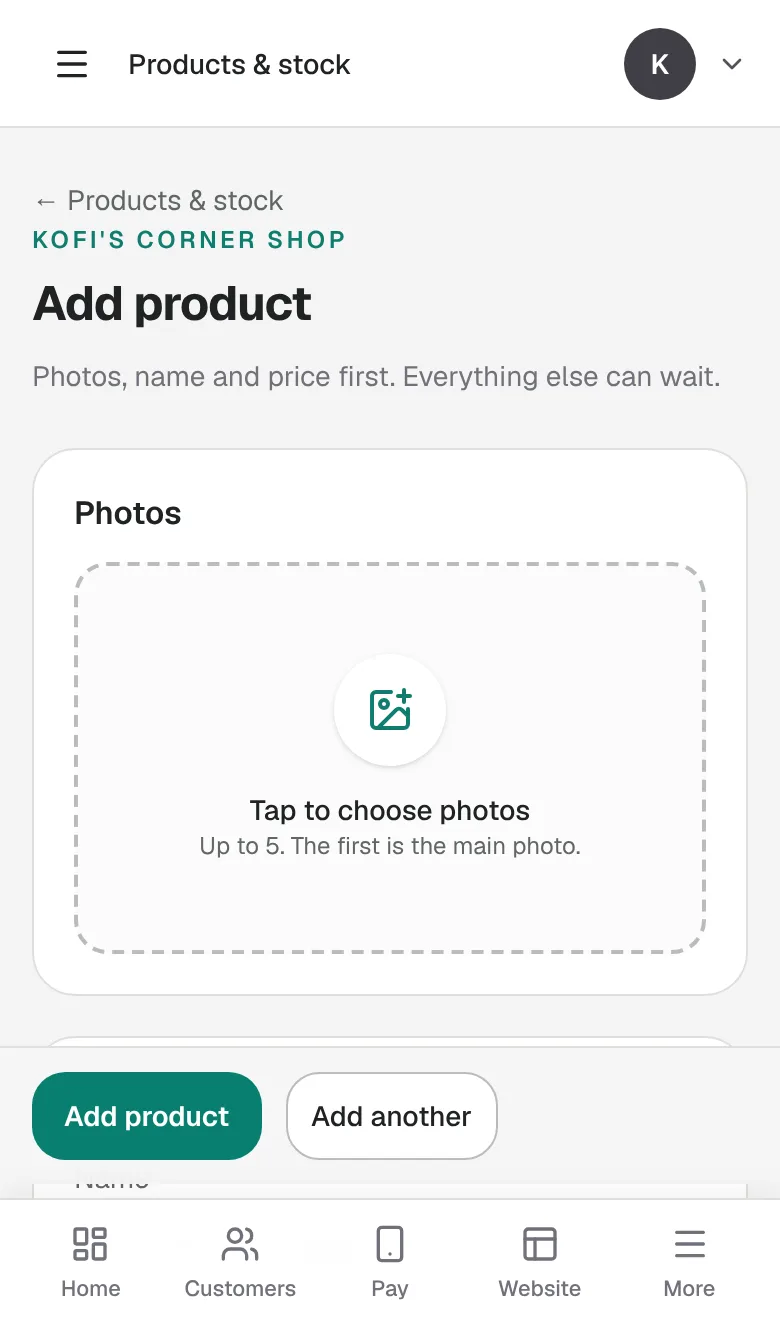
Products come from the business's app (Course 1 Module 2). On each product, tick Show it in my online store to sell it online; good photos on a plain background matter most.
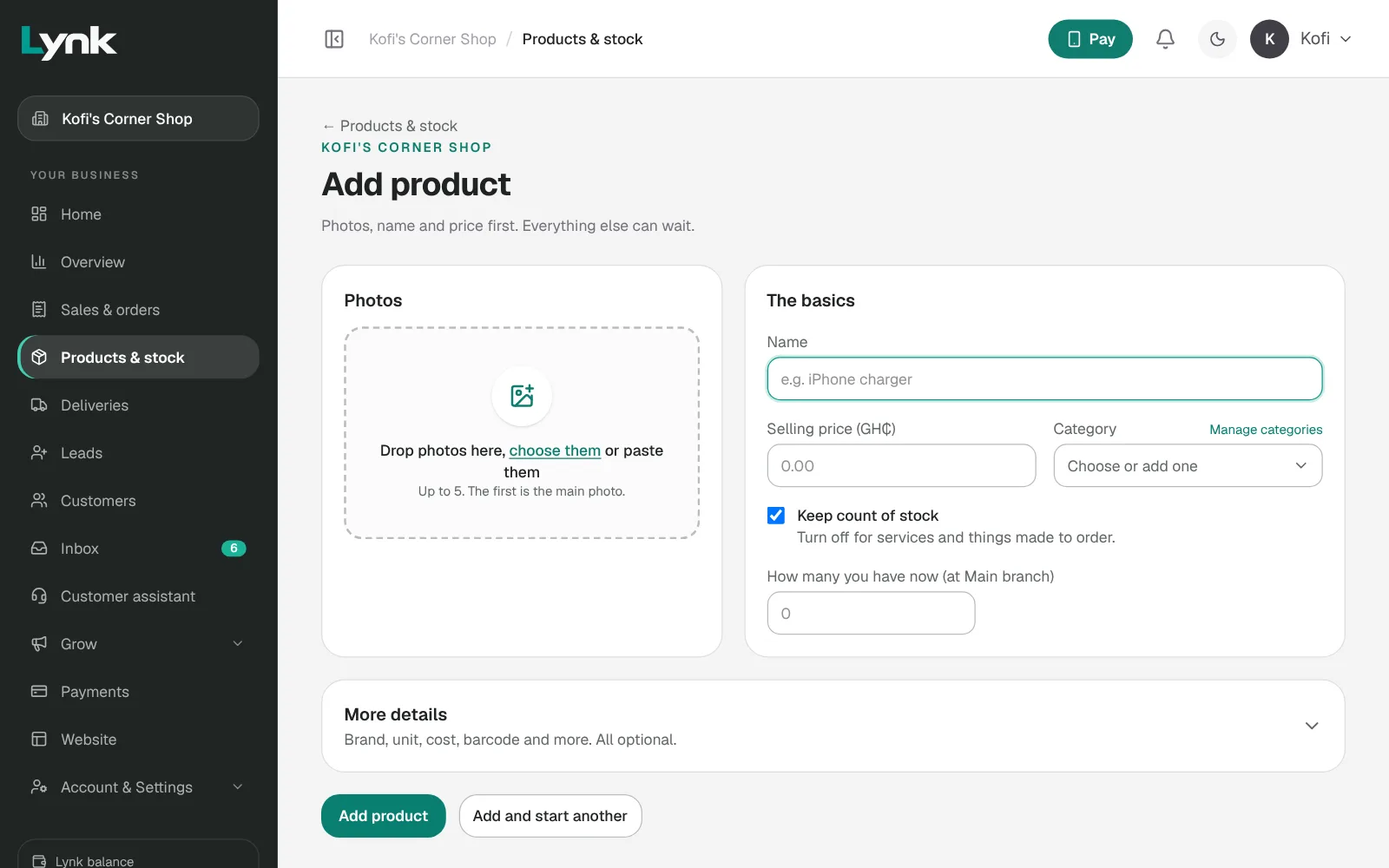
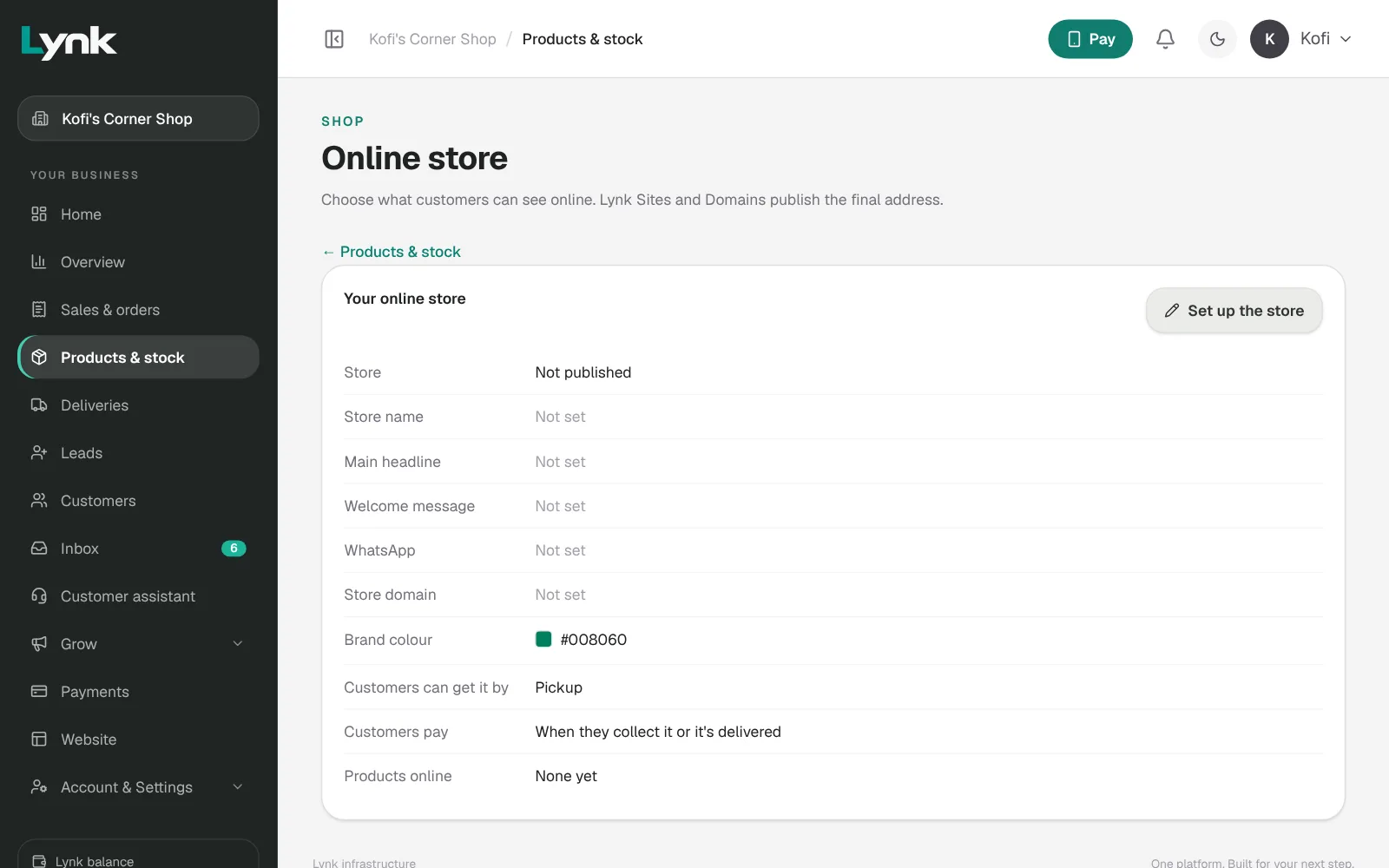
Open the shop. Ask Lynk AI: Open our online store. Then check Products & stock → Online store: Publish this store, the name, headline and WhatsApp, Pickup and/or delivery, Delivery areas with a fee each, and how customers pay: online with Lynk Pay and, if the owner agrees, They can also pay when they collect it or it's delivered. Click Save online store.
The customer: Add to cart → View cart and pay → pickup or delivery and their area → how they pay → Place order. They see Where your order is and get texts about it.
The owner, in Sales & orders: open the order, pack it, Mark ready, and Arrange the delivery if it's going out. Paid in cash or MoMo on delivery? Record a payment. Something wrong: Cancel order (the stock goes back). Brought back: Return or refund. Check Sales & orders every morning and evening.
Sign in to save your progress and earn the certificate.