

Lesson 8 of 15 · Learn · 10 min
2.3 Offers and Post for me
Offers (Grow → Offers → Add an offer): % or GH₵ off, for everything or some services or products, with a start and last day. Start the offer. It shows by itself on the booking page, the shop and the links page, counts what was sold with it, and ends on its last day (or End now). A good offer is a benefit, a deadline and a reason: 10% off kaba this Saturday, for our 12th anniversary. Check the owner still makes money at that price.
One post: Grow → Posts → New post: a caption, a picture, Facebook and Instagram, now, later or as a draft. First connect the business's page in Grow → Connected accounts.
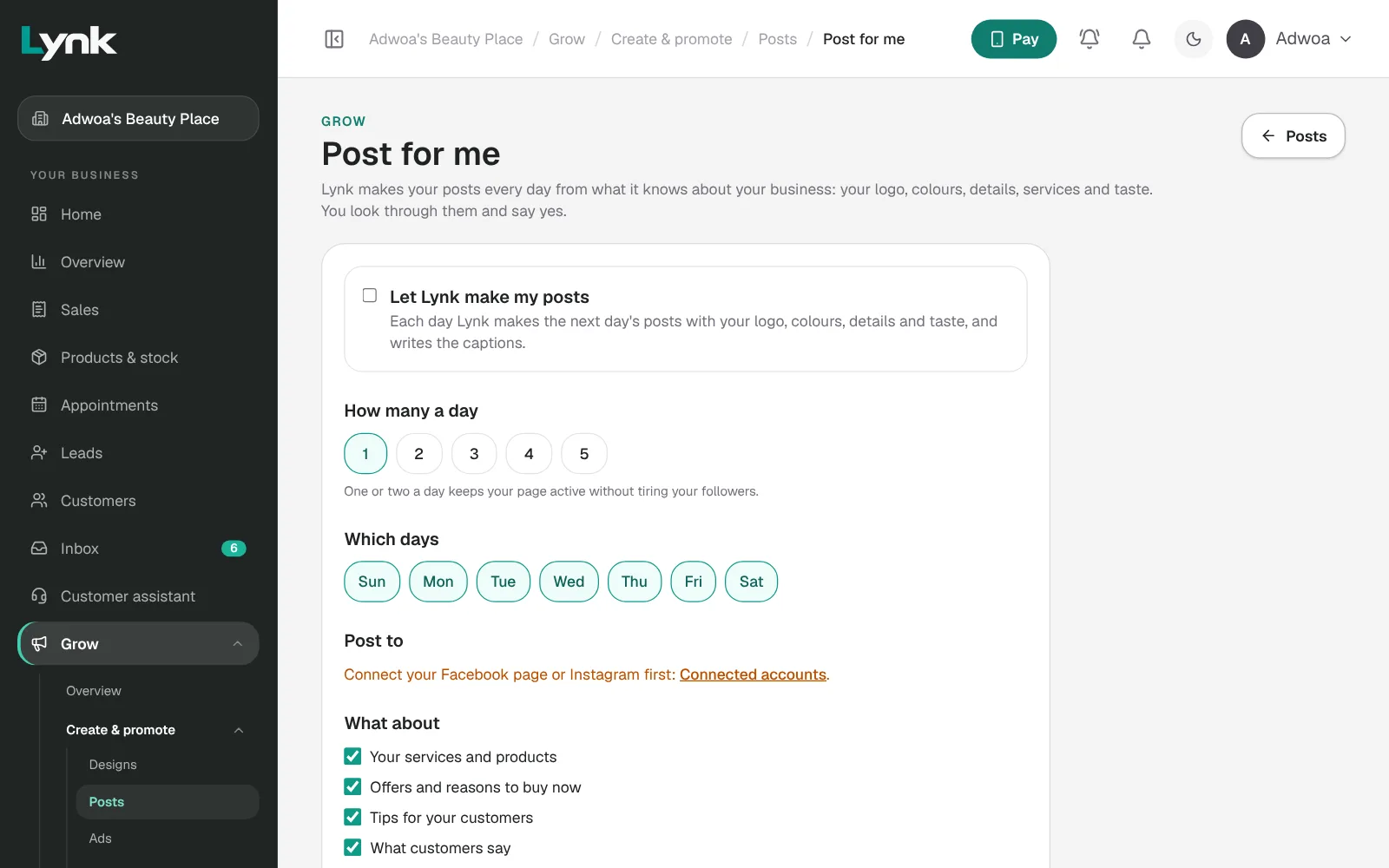
Every day: Post for me (Grow → Posts → Set up Post for me): how many a day, what about (services, offers, tips, what customers say, days that matter), which days, and Ask me first so each post waits for a yes. Click Let Lynk make my posts. Each evening, open Waiting for you: change the caption or design, approve, or skip.
If Lynk shows Posting from Lynk is coming soon, save posts as drafts and share them yourself.
Sign in to save your progress and earn the certificate.