

Lesson 3 of 11 · Learn · 10 min
1.3 Hands-on: create your builder account
Steps
- 1
- 2
- 3
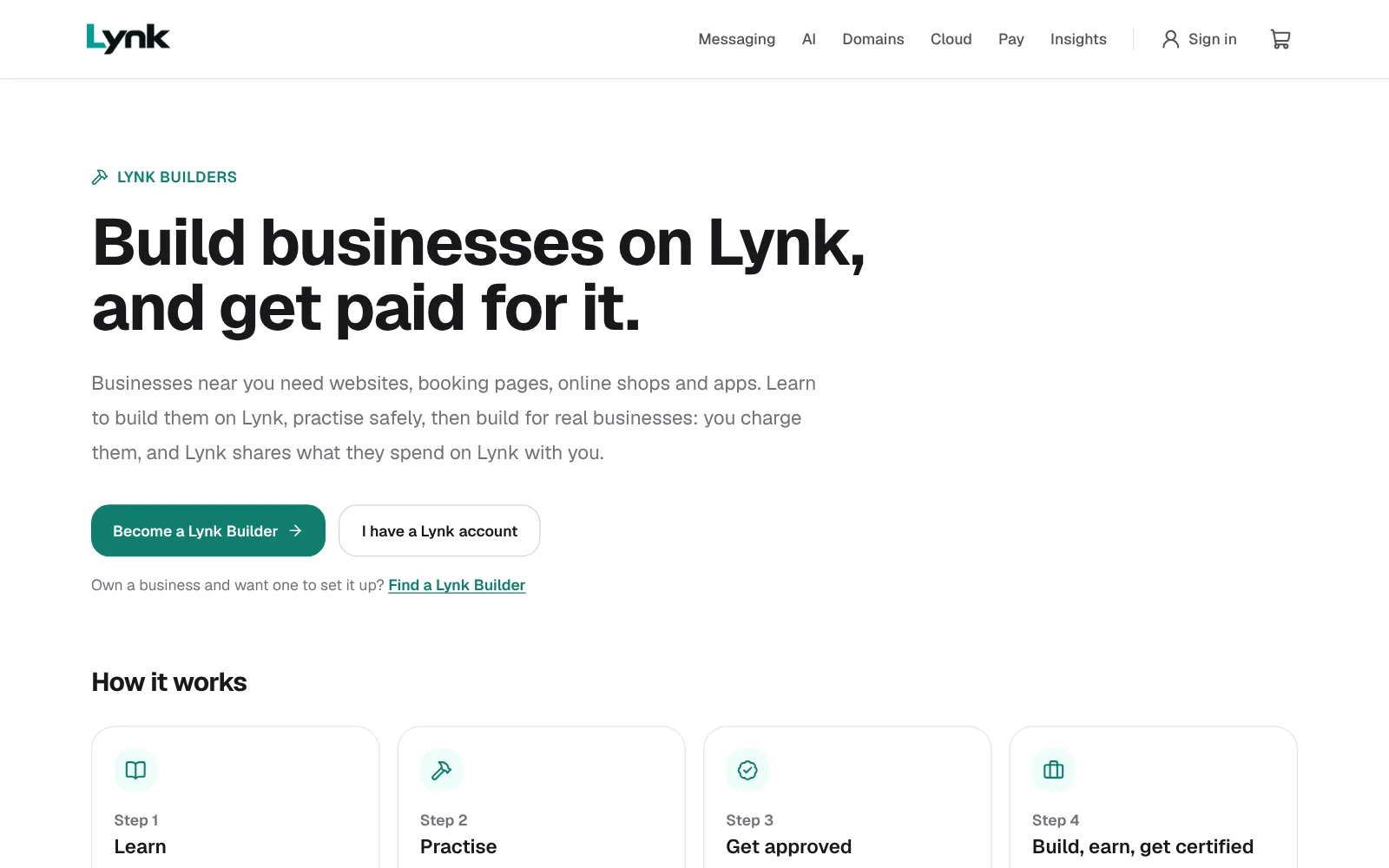
- On your laptop, go to lynkinfra.com/builders and click Become a Lynk Builder.
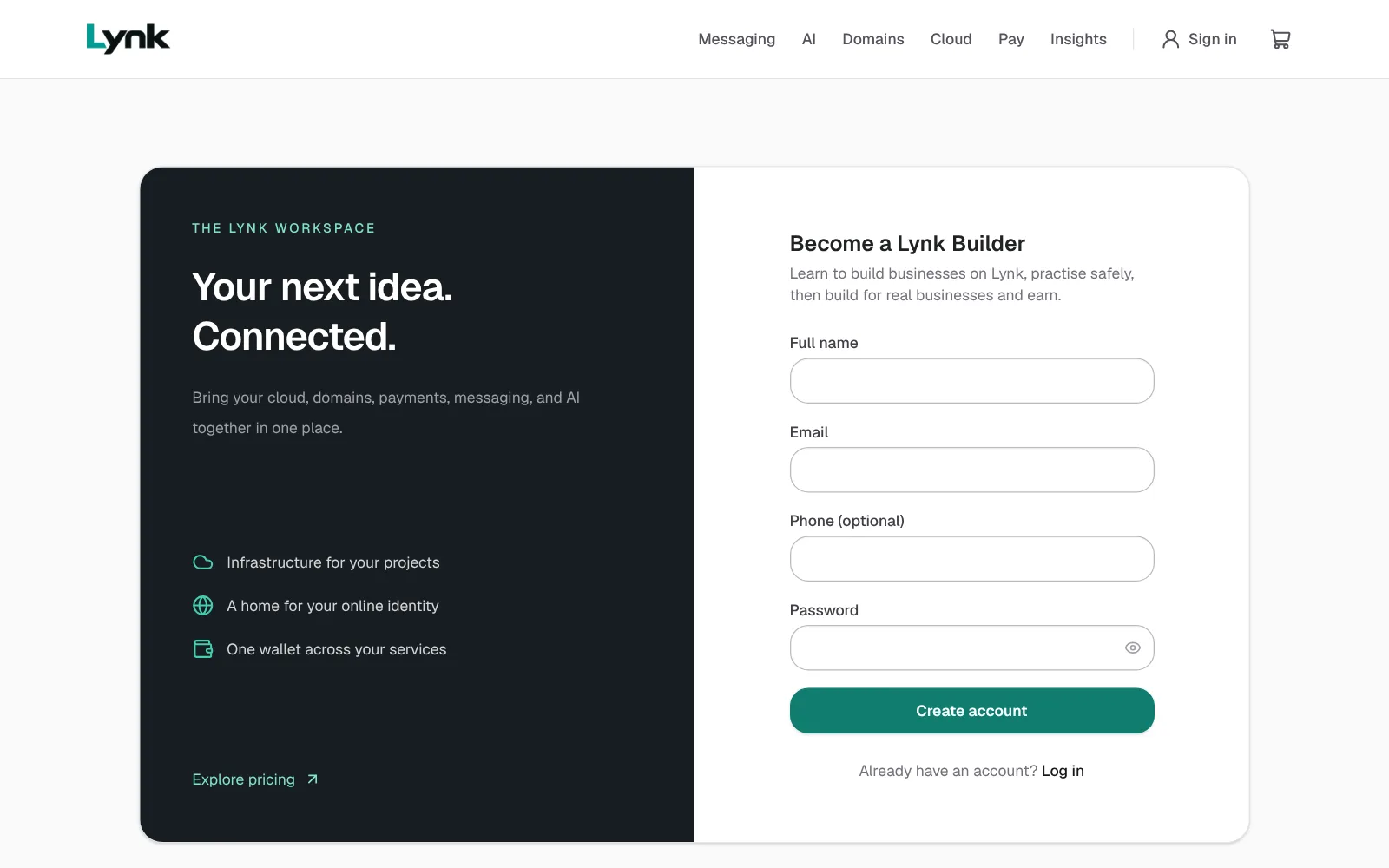
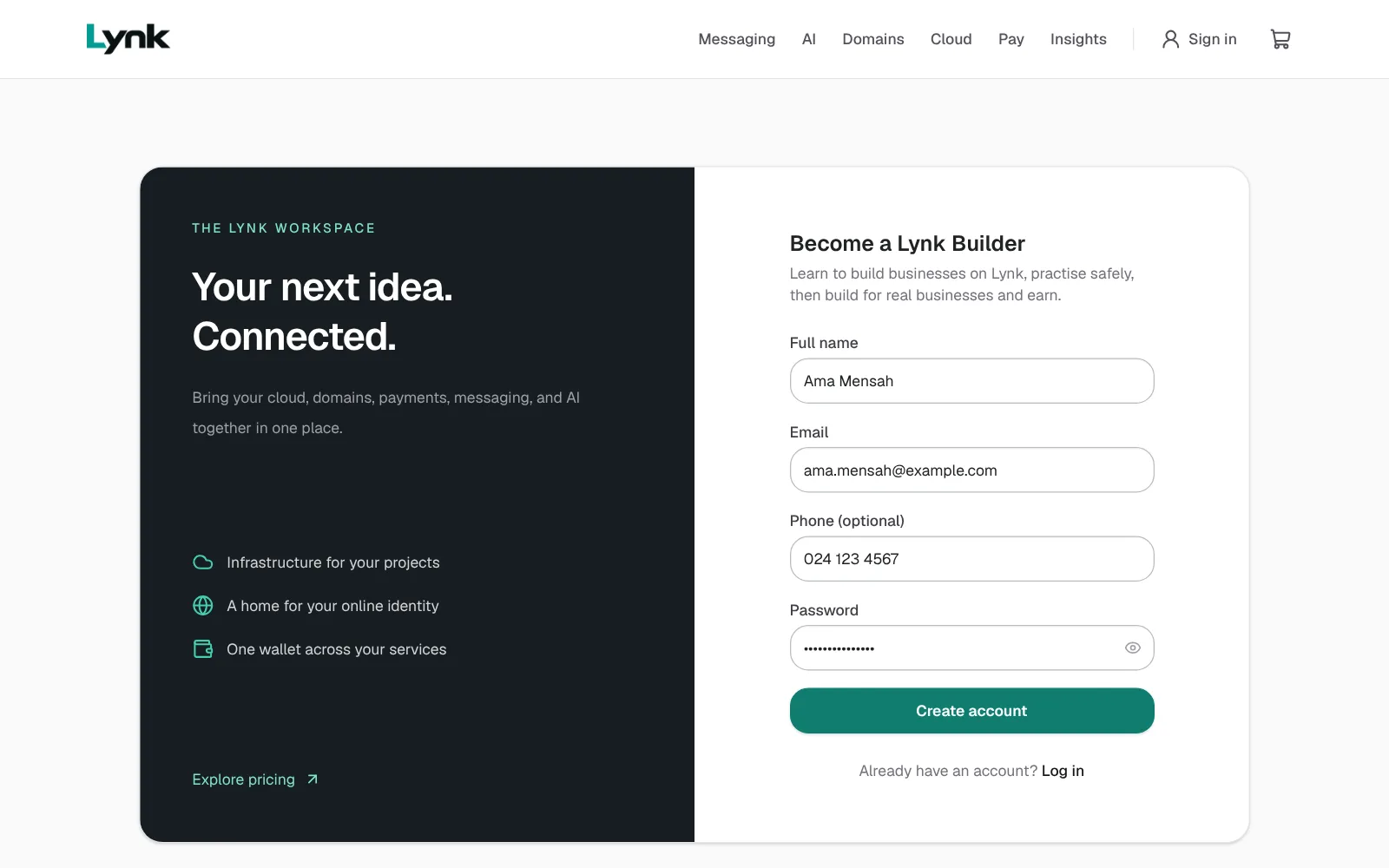
- Fill in Full name, Email (one you can open now), Phone and a Password. Use a long password you don't use anywhere else.
- Click Create account. Your Builder home opens.
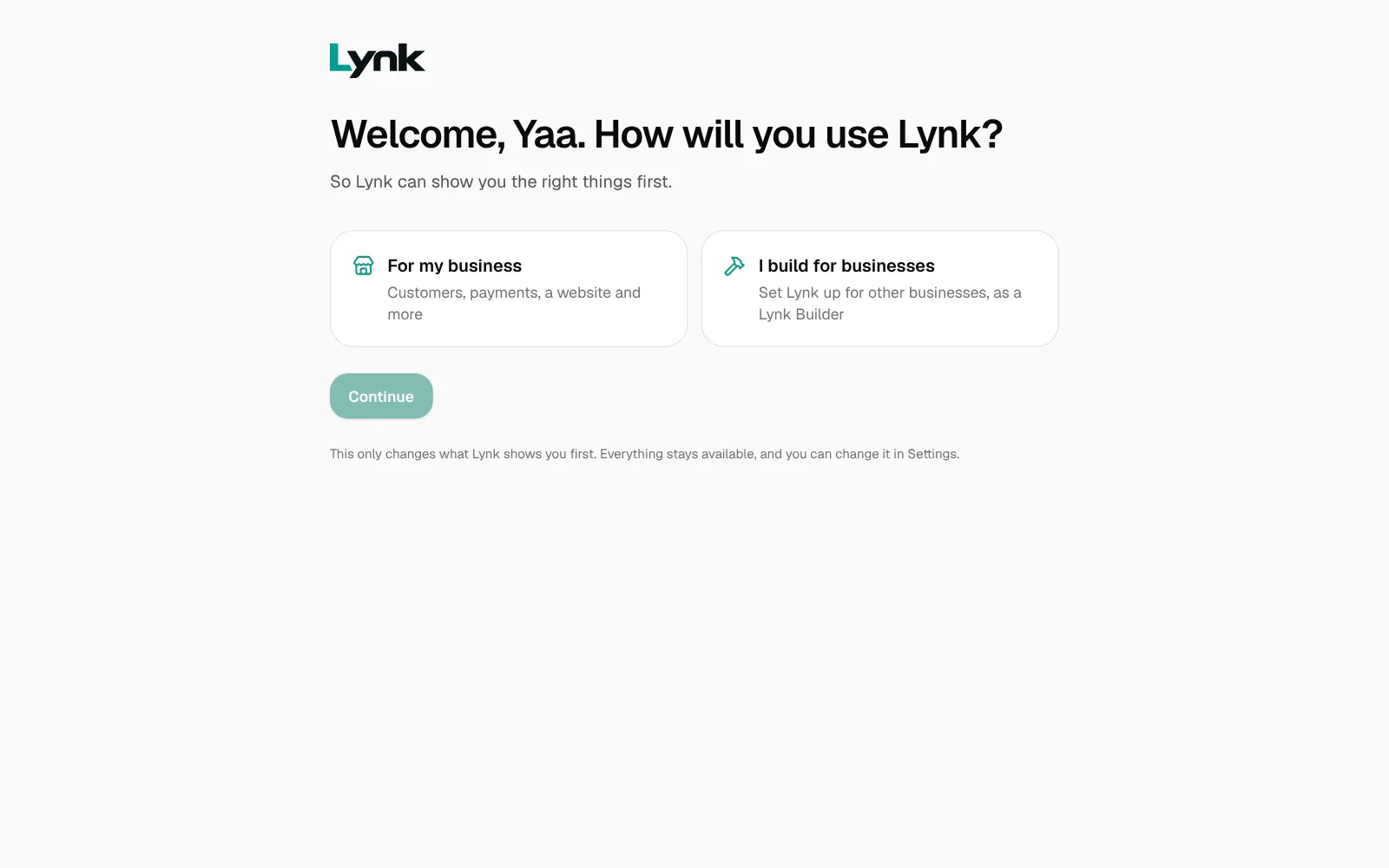
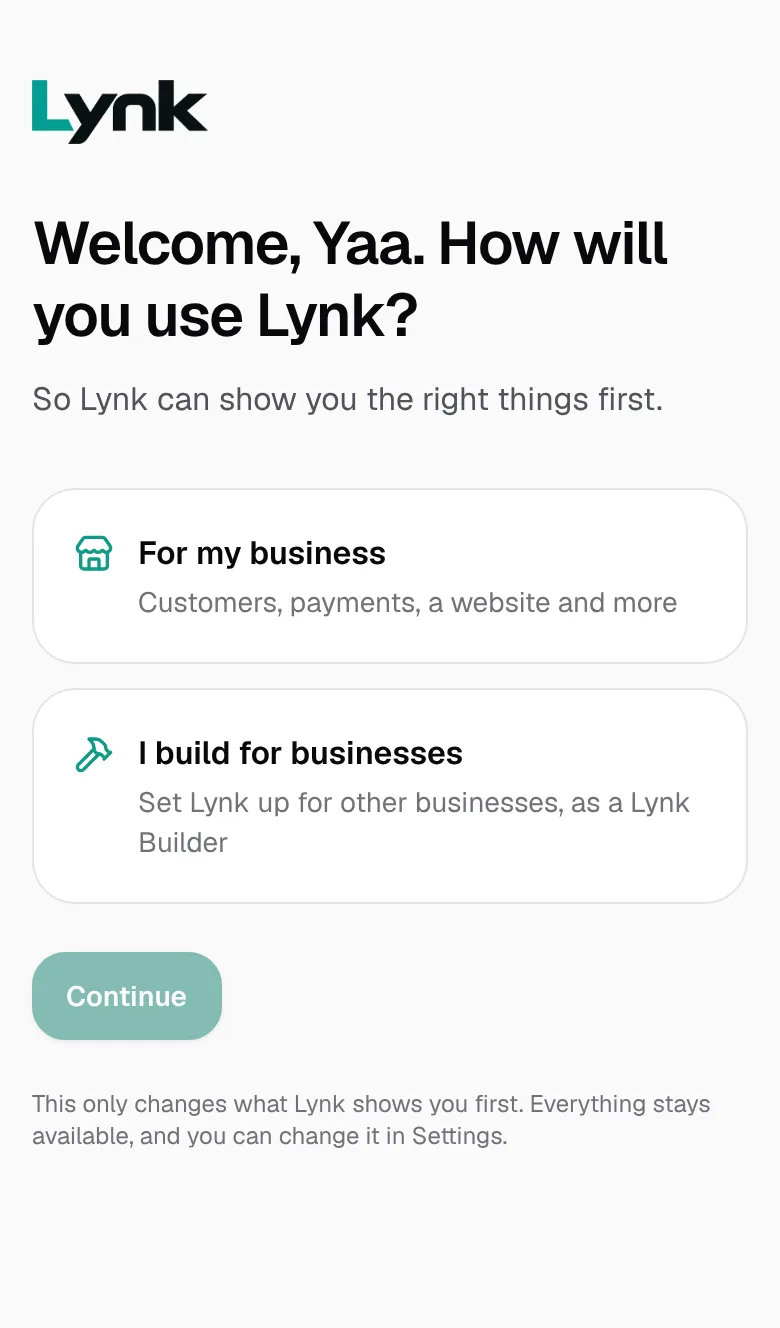
Already on Lynk with your own business? Sign in, and when Lynk asks How will you use Lynk?, choose I build for businesses.
When you're done, come back here and click Mark as done.
Next lesson
1.2 How the courses work, and what they costSign in to save your progress and earn the certificate.