

Lesson 7 of 11 · Learn · 10 min
2.1 Hands-on: make a practice business
A practice business is a real Lynk business only you use. Texts and emails go only to your own phone and email, payments are tests, and it starts with sample customers to practise on.
Steps
- 1
- 2
- 3
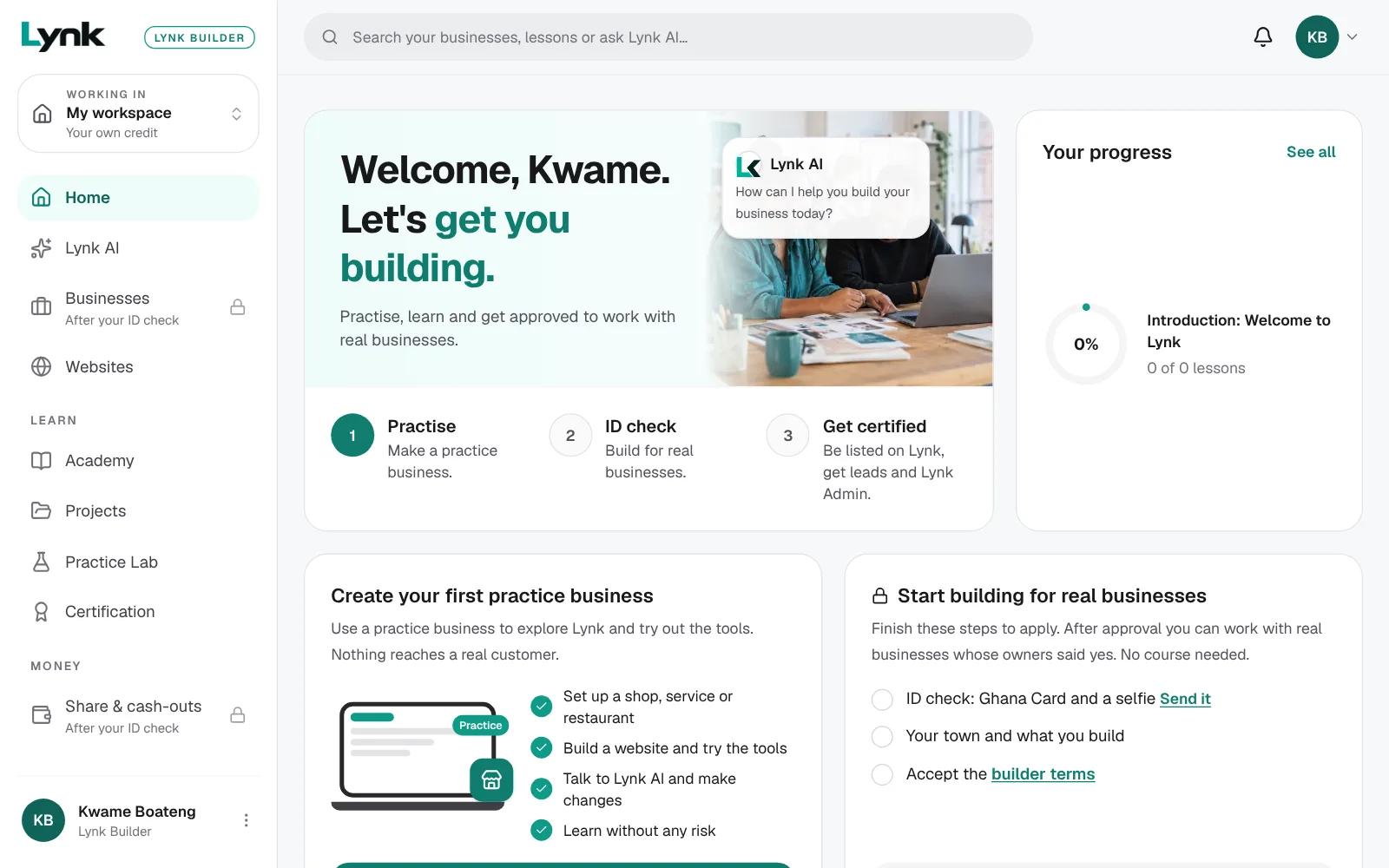
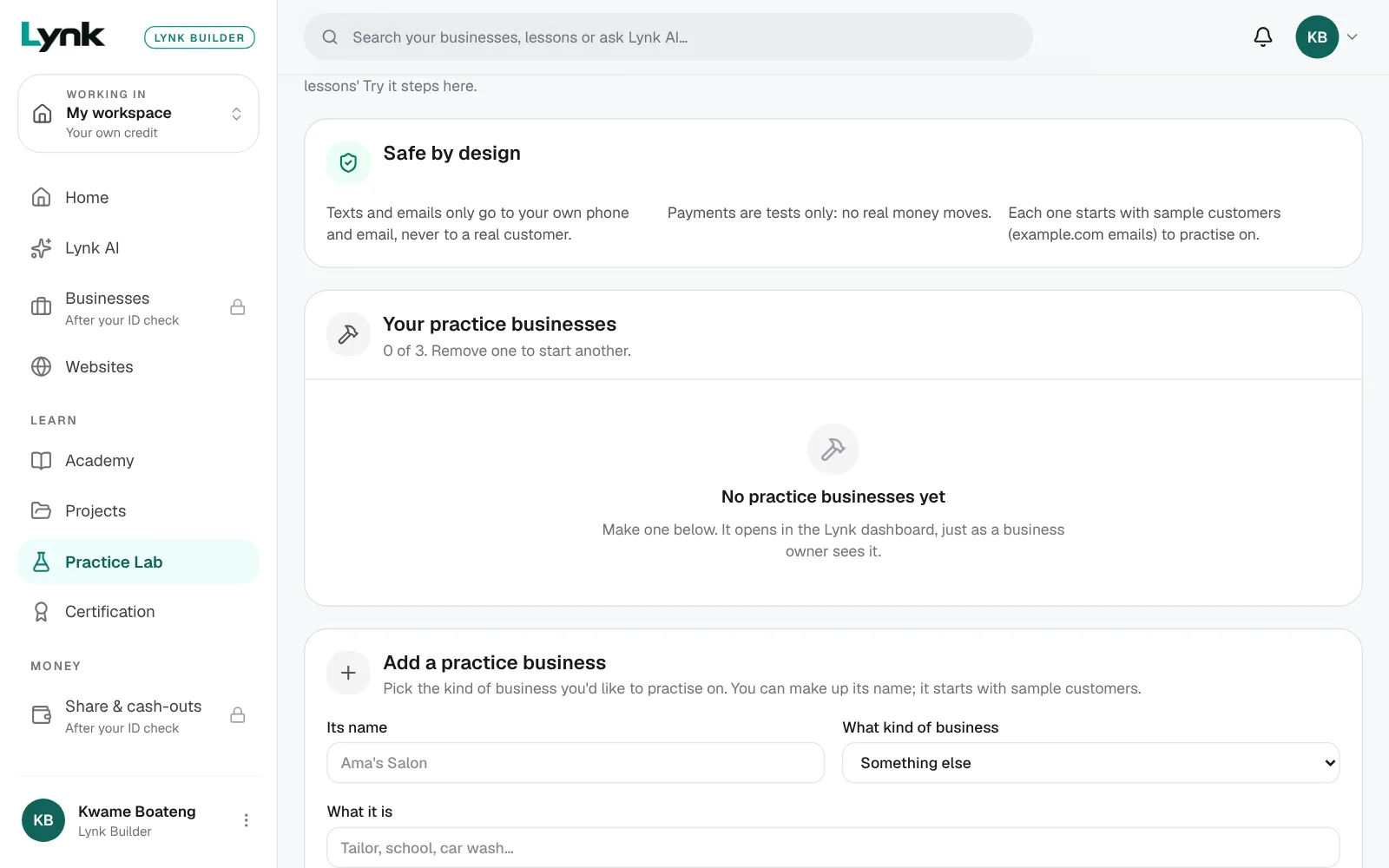
- In your Builder area, click Practice Lab (under Learn in the menu).
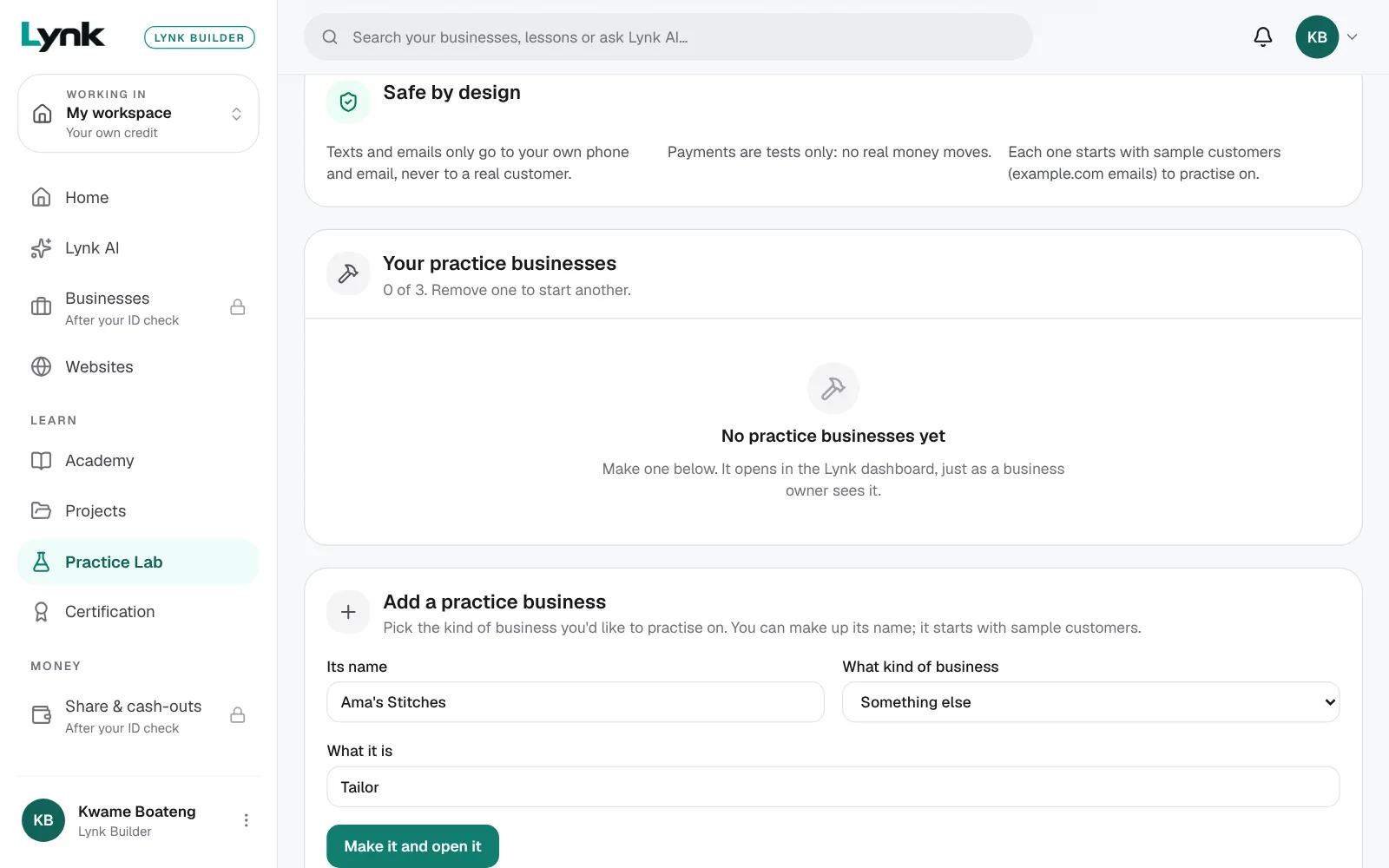
- Under Add a practice business, fill in Its name: Ama's Stitches. Choose What kind of business: Something else, and type What it is: Tailor.
- Click Make it and open it. It opens in the Lynk dashboard, just as an owner sees it, with Lynk AI asking its first setup question. Stop there for now.
You can have up to 3 practice businesses. One you don't use for 6 months is removed, after a warning.
When you're done, come back here and click Mark as done.
Next lesson
1.6 Graded quizSign in to save your progress and earn the certificate.