

Lesson 9 of 11 · Try it · 30 min
2.3 Hands-on: set up a tailor by chat
Steps
- 1LKLynk AI
What does your business do?
What are we doing today? - 2LKLynk AI
We sew clothes to measure for men and women in Kumasi.
How do you make money? Pick all that fit, or say it in your own words.
What are we doing today? - 3LKLynk AI
We do jobs or projects for clients
Do you collect documents from clients (IDs, forms, certificates)?
What are we doing today? - 4LKLynk AI
No
Do you want to give your team to-dos and follow-ups?
What are we doing today? - 5LKLynk AI
Here's the plan for Ama's Stitches. Jobs go through Measured, Cutting, Sewing, Fitting, Ready and Collected. Type any change.
Build my appWhat are we doing today? - 6
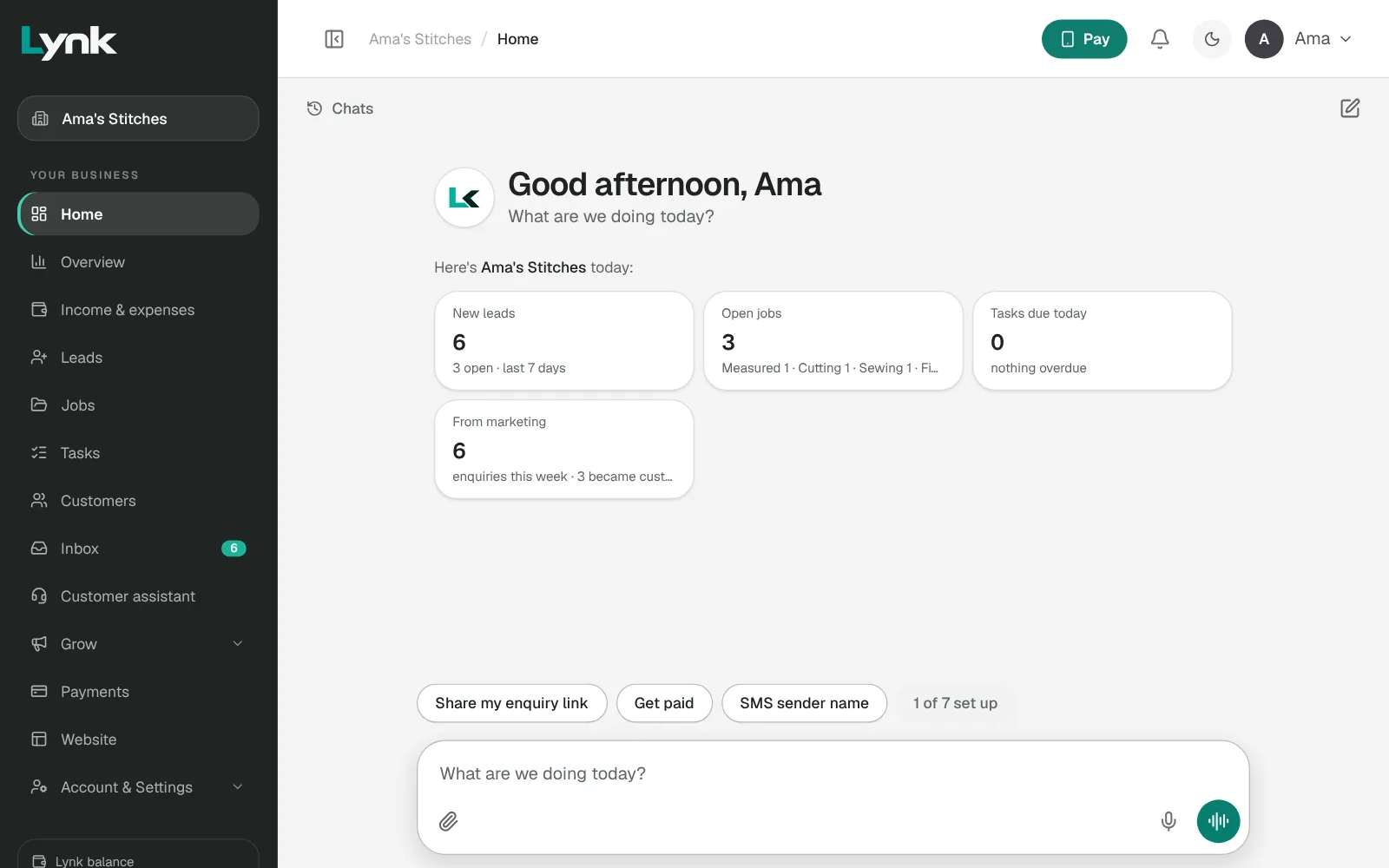
- 7LKLynk AI
Add a customer, Esi Asante, 024 123 4567
Added Esi Asante to your customers.
UndoWhat are we doing today? - 8LKLynk AI
Move Esi's job to Cutting
Esi Asante's kaba and slit is now at Cutting.
UndoWhat are we doing today?
- Open Ama's Stitches (Practice Lab → Open). Home shows Setting up your business, and Lynk AI asks What does your business do?
- Say what it does: We sew clothes to measure for men and women in Kumasi.
- For How do you make money?, choose We do jobs or projects for clients.
- Lynk asks a few yes-or-no questions, one at a time. A tailor doesn't collect documents, so say no to that, and yes to to-dos, price enquiries (Leads) and recording spending (Expenses).
- Check the steps: Measured, Cutting, Sewing, Fitting, Ready, Collected. Type any change.
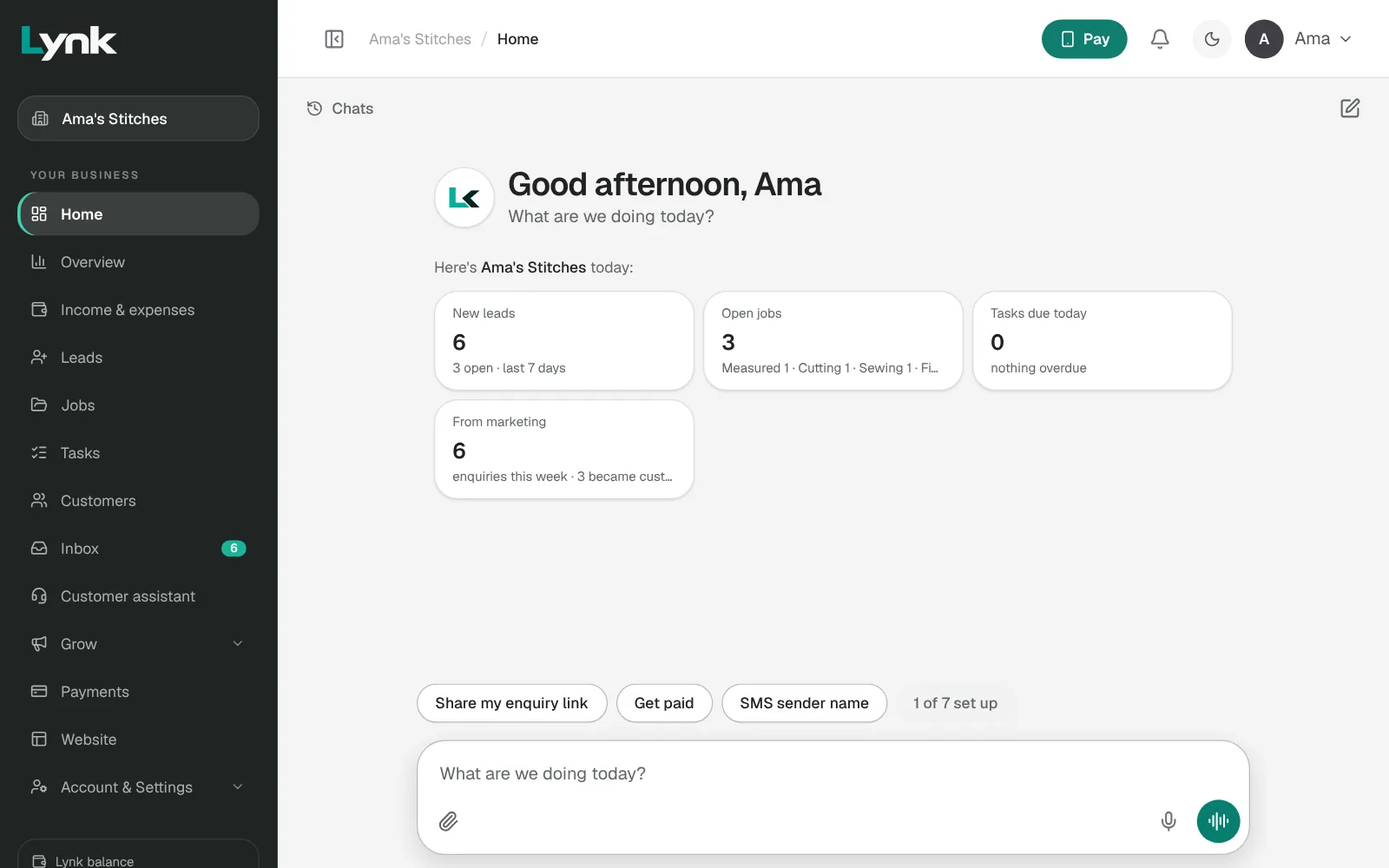
- Click Build my app, then Open my app. Check the menu matches the plan.
- On Home, give Lynk AI three jobs:
- Type: add a customer, Esi Asante, with your own phone number.
- Talk: click Talk to Lynk AI and add a second customer.
- Add a third, then click Undo on its card.
- Ask: Open a job for Esi Asante for a kaba and slit, then Move Esi's job to Cutting.
When you're done, come back here and click Mark as done.
Try it in Lynk
Now do it yourself. When you're done, come back here and mark this lesson done.
Sign in to try itSign in to save your progress and earn the certificate.